The quiet failure in an Open CTI migration is not the phone. The phone either rings or it does not, and if it does not, everyone knows within a minute. The failure that goes unnoticed for weeks is the reports.
How calls get into Salesforce today
Under Open CTI, your softphone writes each call onto a Task. Call type, call duration, call result, and whatever fields your telephony vendor adds of its own. Over the years, things grow around those fields. A flow that creates a follow-up when a call result is “voicemail”. A validation rule that insists on a call type. A trigger that rolls call minutes up to the account. And the reports: calls per agent, average handling time, outcomes by queue, the dashboard the team leads read every morning before the shift starts.
None of that was designed. It accumulated, one sensible request at a time, and most of it has no documentation beyond the name of the person who asked for it.
What Salesforce Voice does instead
Salesforce Voice, the replacement for Open CTI, writes calls to a different object: VoiceCall. Partner Contact Center Voice, the Voice path most Open CTI orgs take, which Salesforce called Salesforce Voice with Partner Telephony until this year, is no exception. It is a better object for the job, with the recording, the transcript and the Omni-Channel routing data attached. But it is not Task, and Voice does not write to the Task call fields at all.
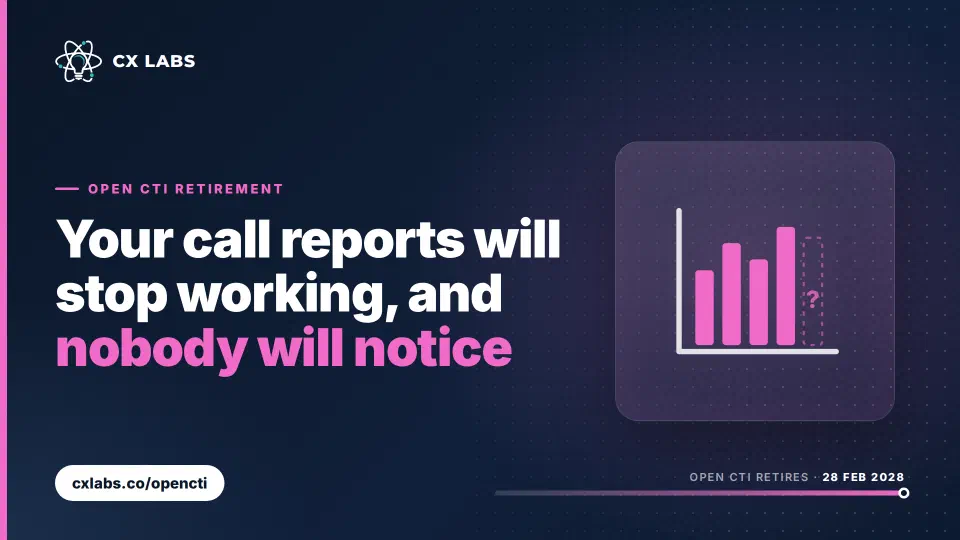
So on cut-over day, nothing breaks. The new calls land on VoiceCall. The flows keyed to Task call fields simply stop firing, because nothing sets those fields any more. The reports keep running, keep rendering, and keep showing the calls from before cut-over, with a line that goes flat on the day you switched. It can be weeks before a team lead says the numbers look odd, and by then the follow-ups that a flow used to create have not been created, and nobody knows for how long.
Why it is worse than a broken phone
A broken phone is loud and gets fixed in an afternoon. A silent report is quiet and gets fixed after someone has made a decision on it. Service levels reported to a client. A staffing model built on call volumes that stopped counting. A quality review that missed every call for a month. The cost is not the report; it is what was done on the strength of it.
The bridge Salesforce allows
Salesforce’s own migration guidance offers a way to keep the old reports counting: a flow on VoiceCall that recreates the Task after each call, with the same fields filled in. It buys time to move reports across at your own pace. It does not remove the work, because the flow has to be built and tested before cut-over, and Salesforce no longer treats Task as the default home for a call. Treat it as a bridge, not a destination.
The list to make before you choose a path
Before you pick a telephony path, before you talk to the vendor about connectors, make a list. Every flow, process, trigger, validation rule, formula, report and dashboard that reads a call field on Task. For each one, decide: re-point it to VoiceCall, rebuild it because VoiceCall models the data differently, or retire it because nobody has looked at it since 2021.
Some of that list is easy to find in Setup. Some of it is not: a report type built on Task with a filter on call type, or a formula field that reads the vendor’s custom call field three levels down. The honest answer is that most orgs cannot produce the list by hand with any confidence, and the ones that try usually find the last few items in production, after cut-over.
Salesforce’s own Open CTI migration FAQ covers the VoiceCall change; the full set of sources is on our references page.
Getting the list without doing it by hand
This is the reason we built the Open CTI Retirement Scan. It is read-only, it reads configuration, code and counts rather than record content, and it produces exactly this list, by name: every flow, trigger, report and dashboard that leans on the Task call fields, alongside the seats on Open CTI, the custom softphone code that calls the Open CTI API, and your Omni-Channel and Lightning position. About five minutes, nothing installed, and your admin can revoke access at any time.
Run it on a sandbox if you prefer. Then you can choose a path knowing what the re-pointing work actually is, rather than finding out in the dashboard, a month late.